
Option 1: Members Can Reset from the E-Commerce Site
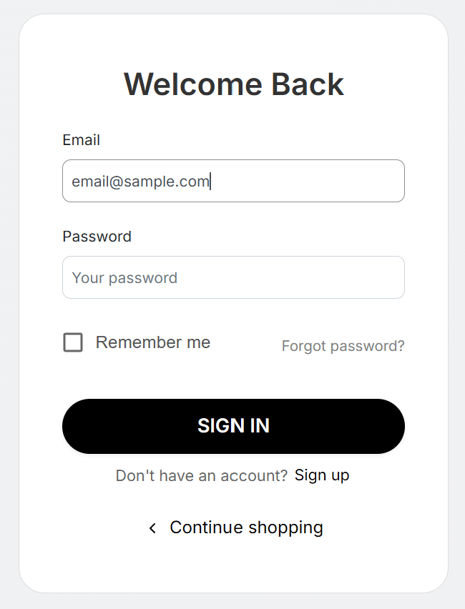
Step 1: Go to the Login Page
-
Navigate to the store’s e-commerce website.
-
Click Login / Sign In.
-
Select Forgot Password.
Step 2: Enter Email Address
-
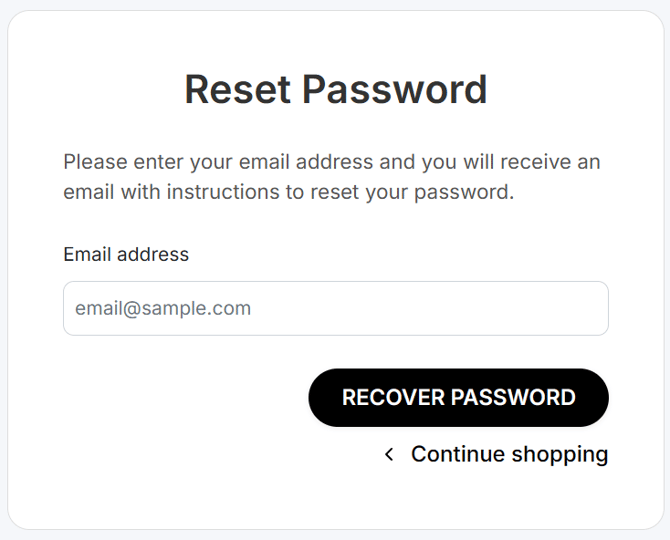
Enter the email address associated with the member account.
-
Click Recover Password.
Step 3: Check the Password Email
Members will receive an email containing their new password. 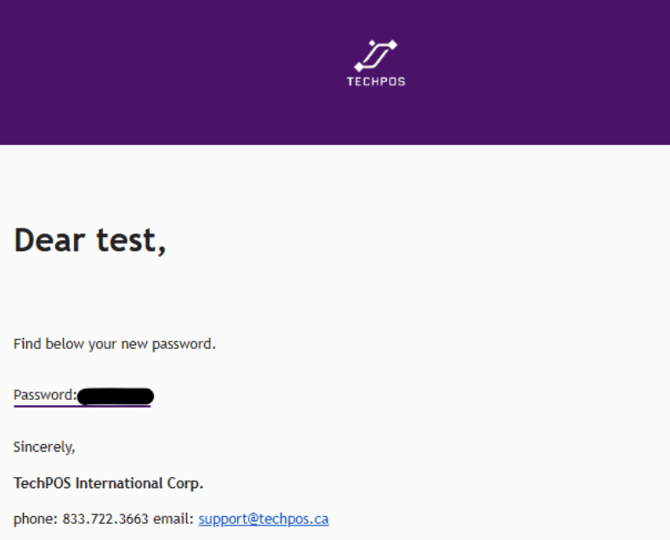
Once completed, they can log in normally using their email and the new password.
Option 2: Staff Can Set Password From POS
Store staff can also manually set a password for a member from the POS system.
Steps
-
Go to Menu > Users > Member
-
Search and open the member profile
-
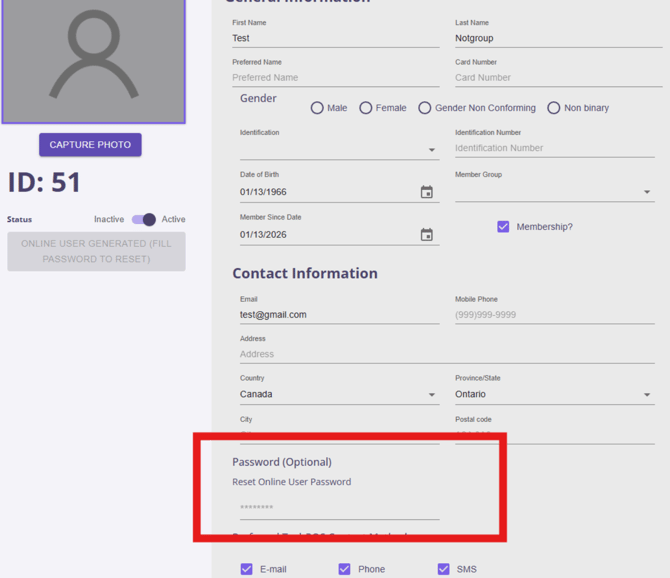
Locate the Password (Optional) field
-
Enter a new password and save
After the password is set, the member can use it to log in to the e-commerce site.