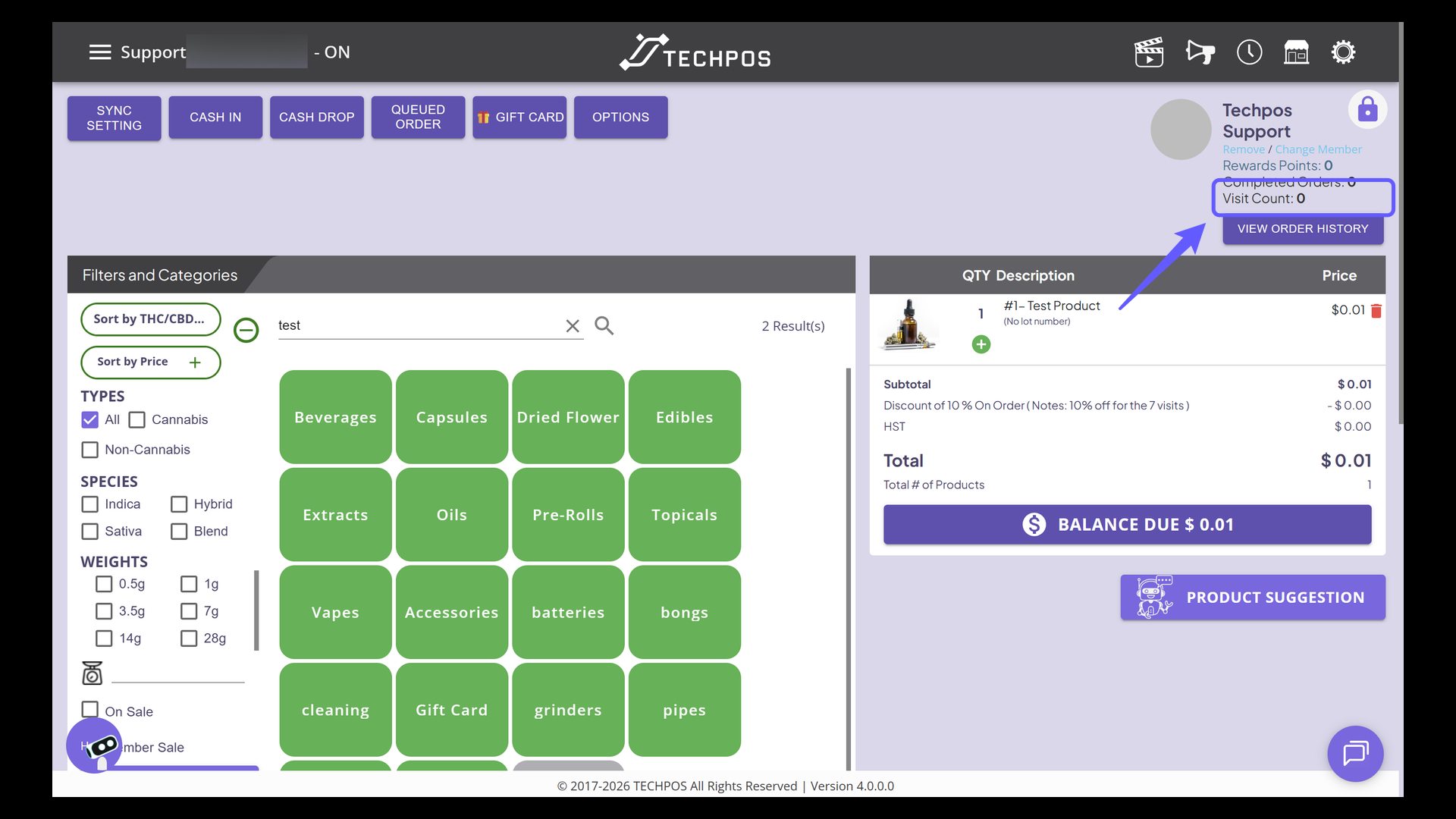
Note: Member visit discounts are cumulative and can be saved for future use.
Customers are not required to redeem a discount as soon as it becomes available. For example:
-
If a member has 7 visits and chooses not to redeem the discount, it will remain available for later use.
-
Visit counts continue to accumulate. For instance, if a member reaches 14 visits, they will be eligible to redeem a 20% discount.
This allows members to save their visits and redeem higher discounts when they prefer.
1. Initiate Member Search
Click on the 'Search Member' button to start finding a member in the system.

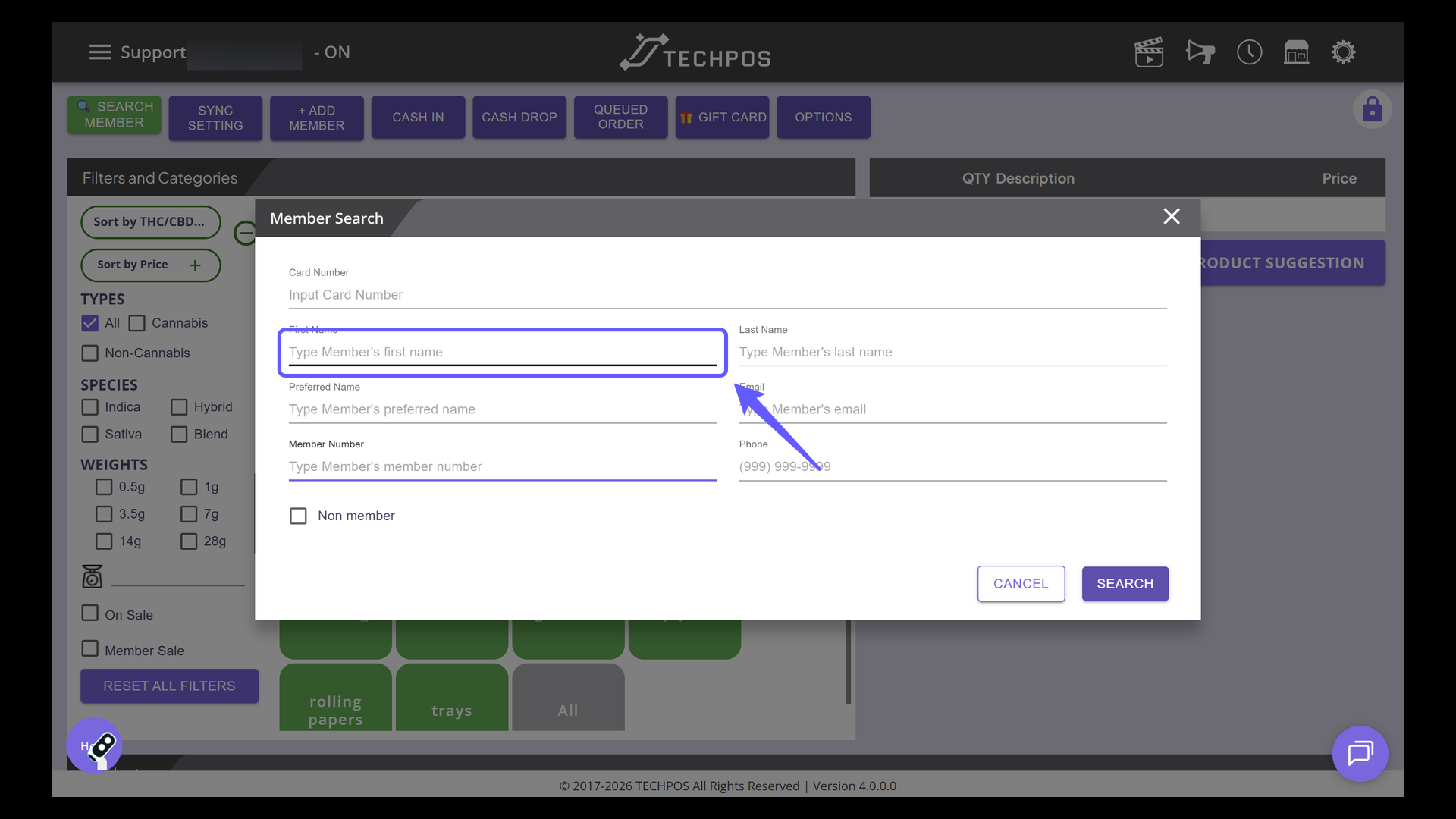
2. Member Search
Use the different filters to search for a member.
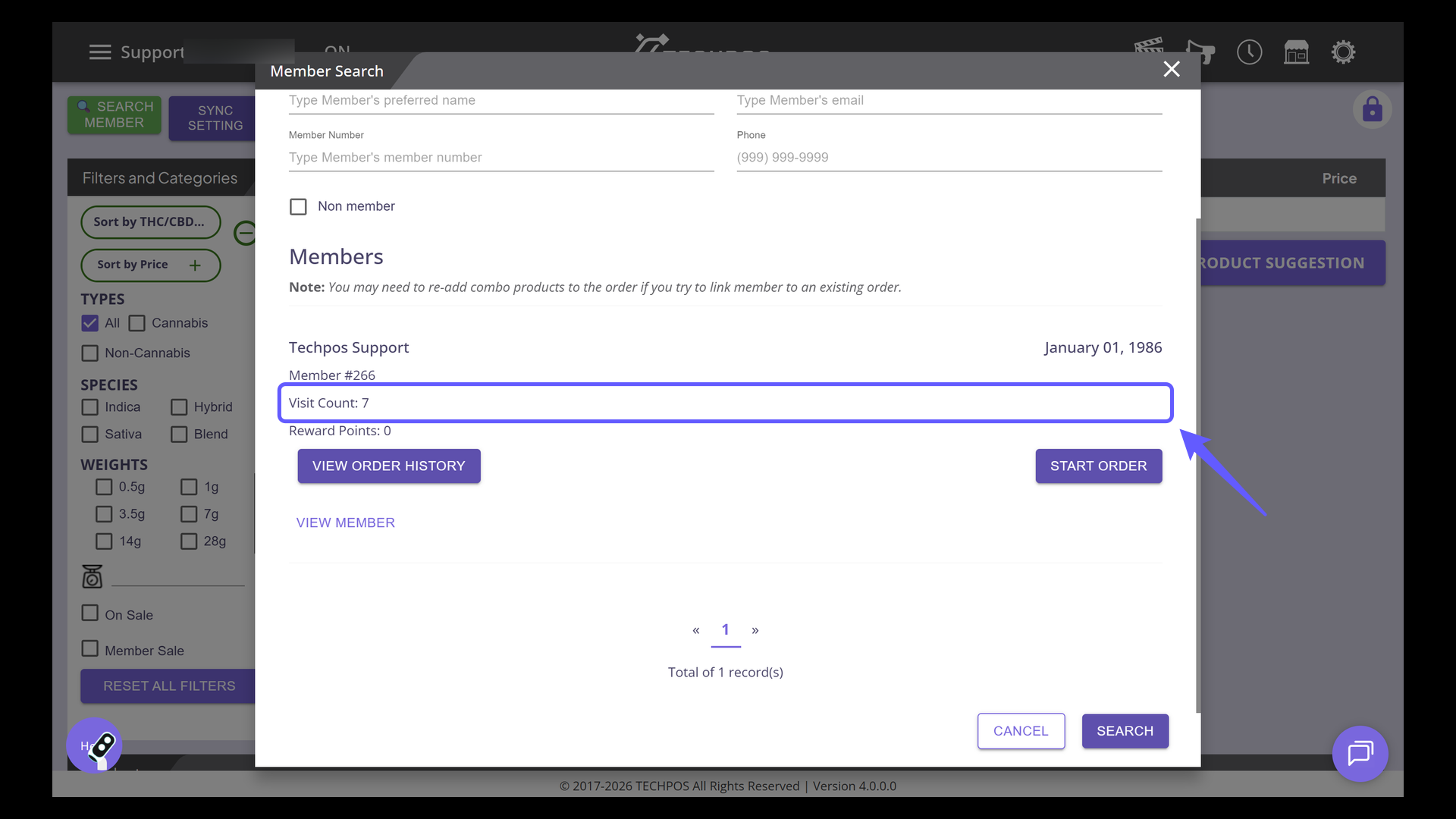
3. Check Visit Count
Check the 'Visit Count' details for the member. For instance, this member presently has a total of 7 visits.
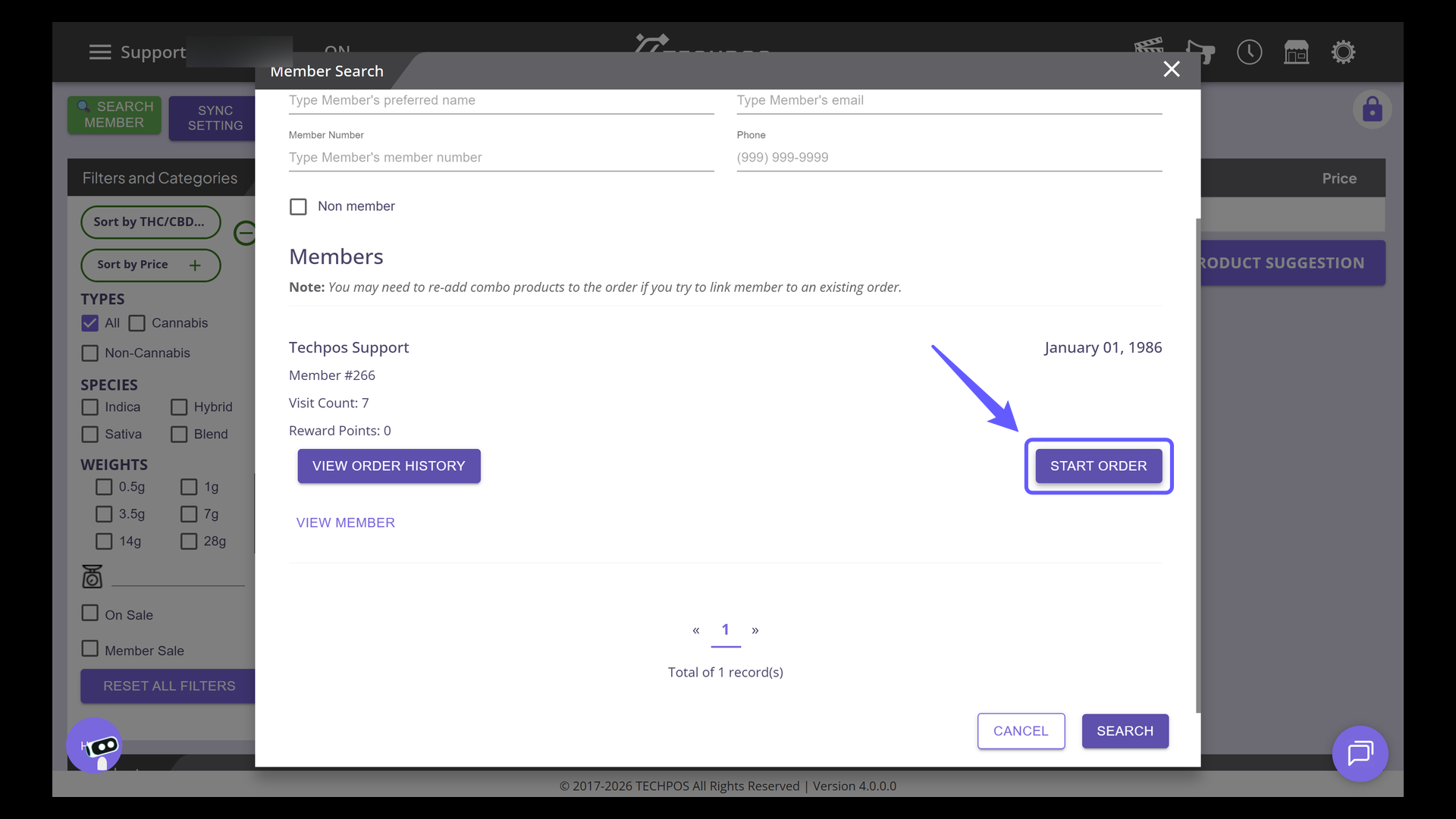
4. Initiate an Order
Click 'START ORDER' to begin processing a new transaction for the selected member.
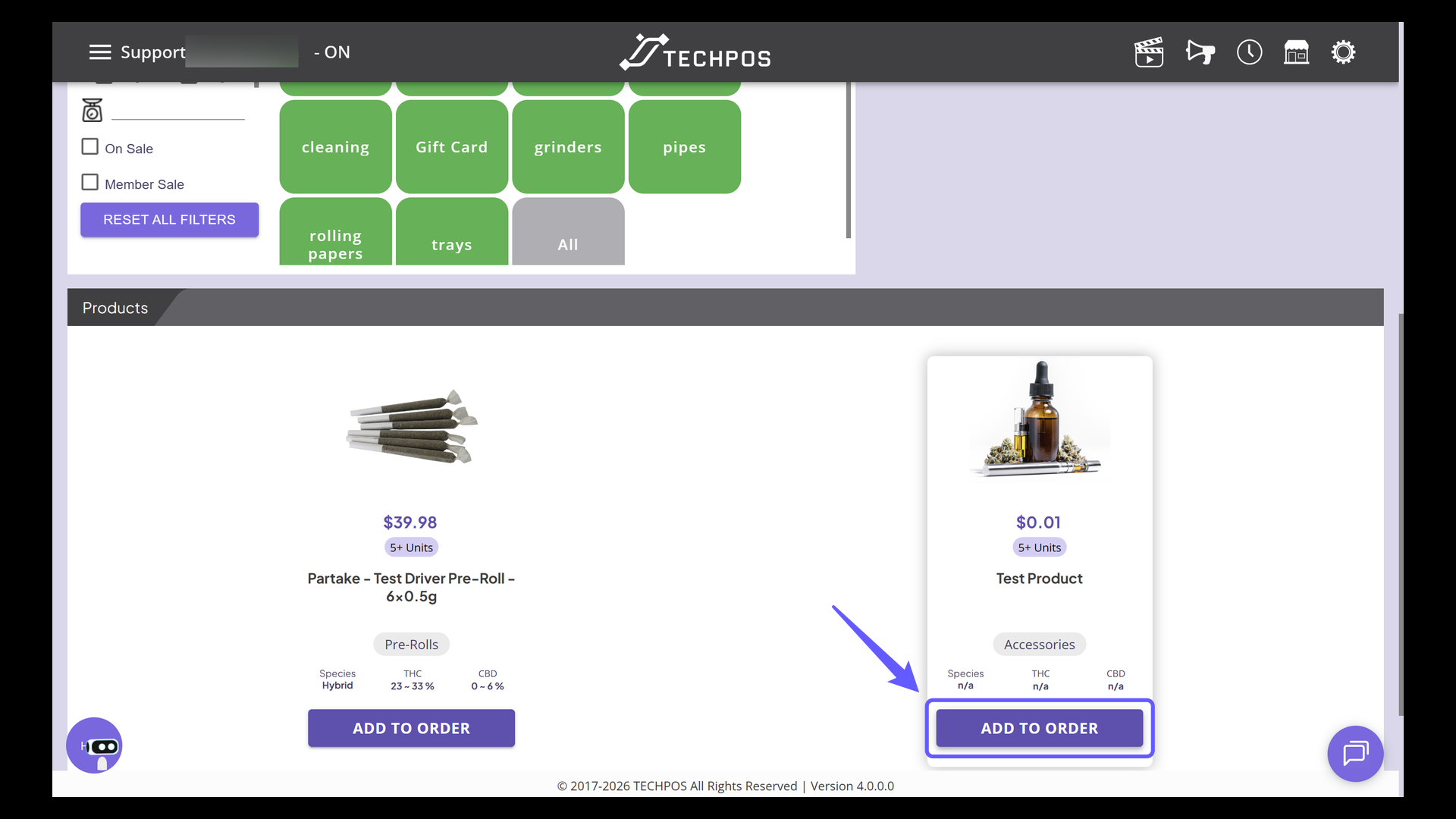
5. Add Products to Order
Select 'ADD TO ORDER' or scan product barcodes to include the item in the cart.
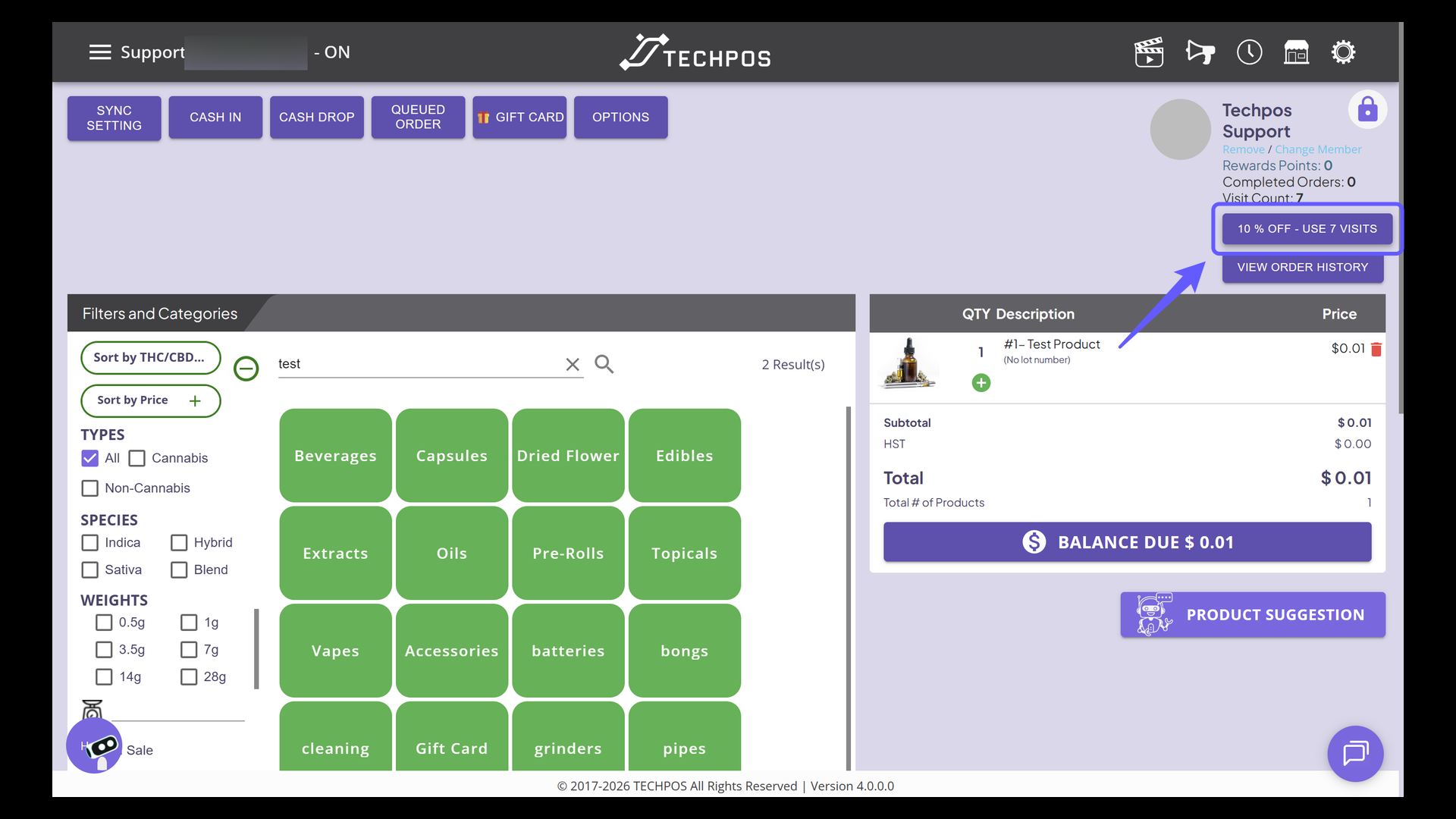
6. Activate Discount Offer
If the member qualifies for the visit discount, a button at the bottom of the member information will be displayed. Click on the button to apply discount.
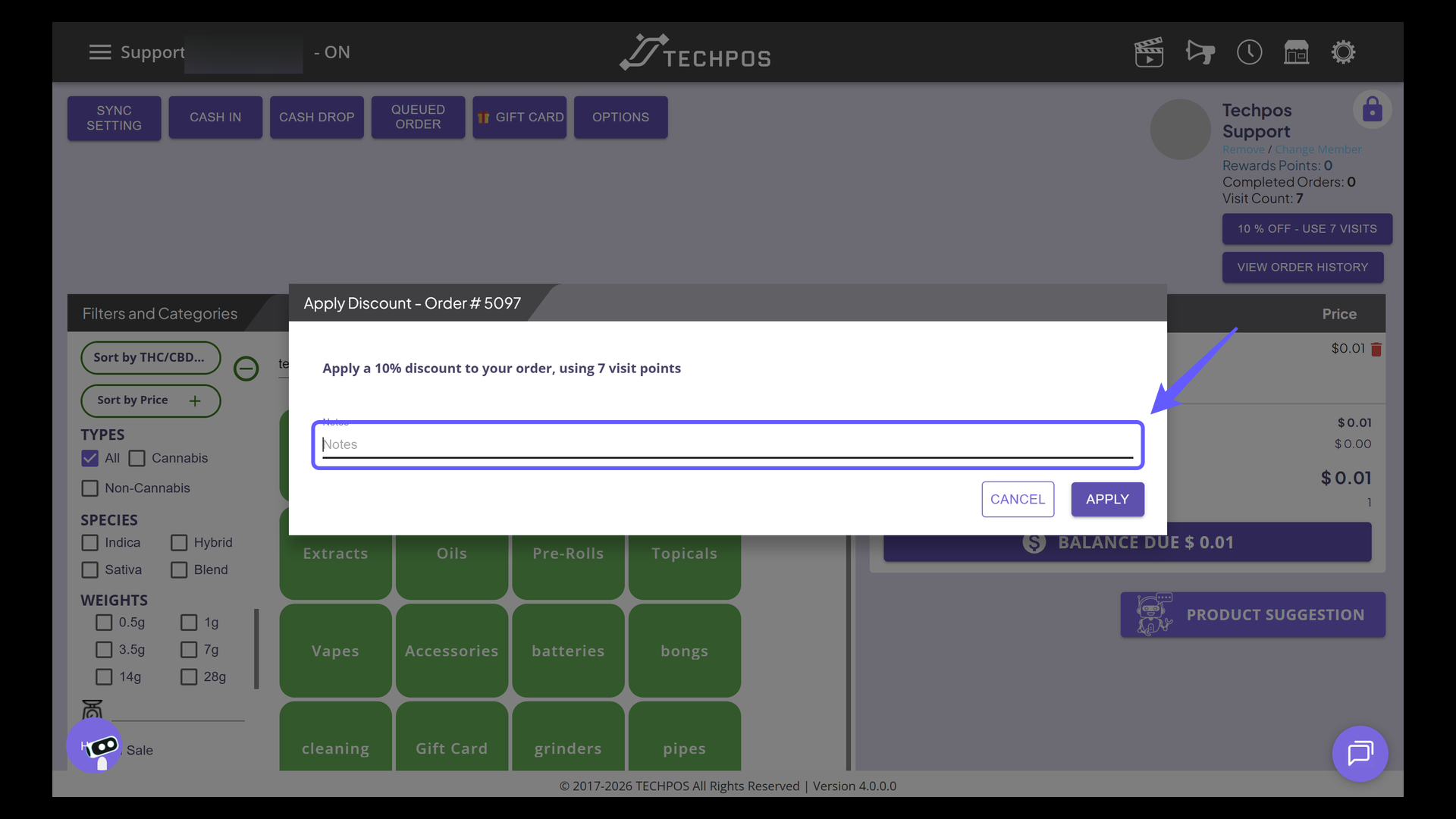
7. Enter Discount Notes
Enter relevant notes or comments regarding the discount applied to the order.
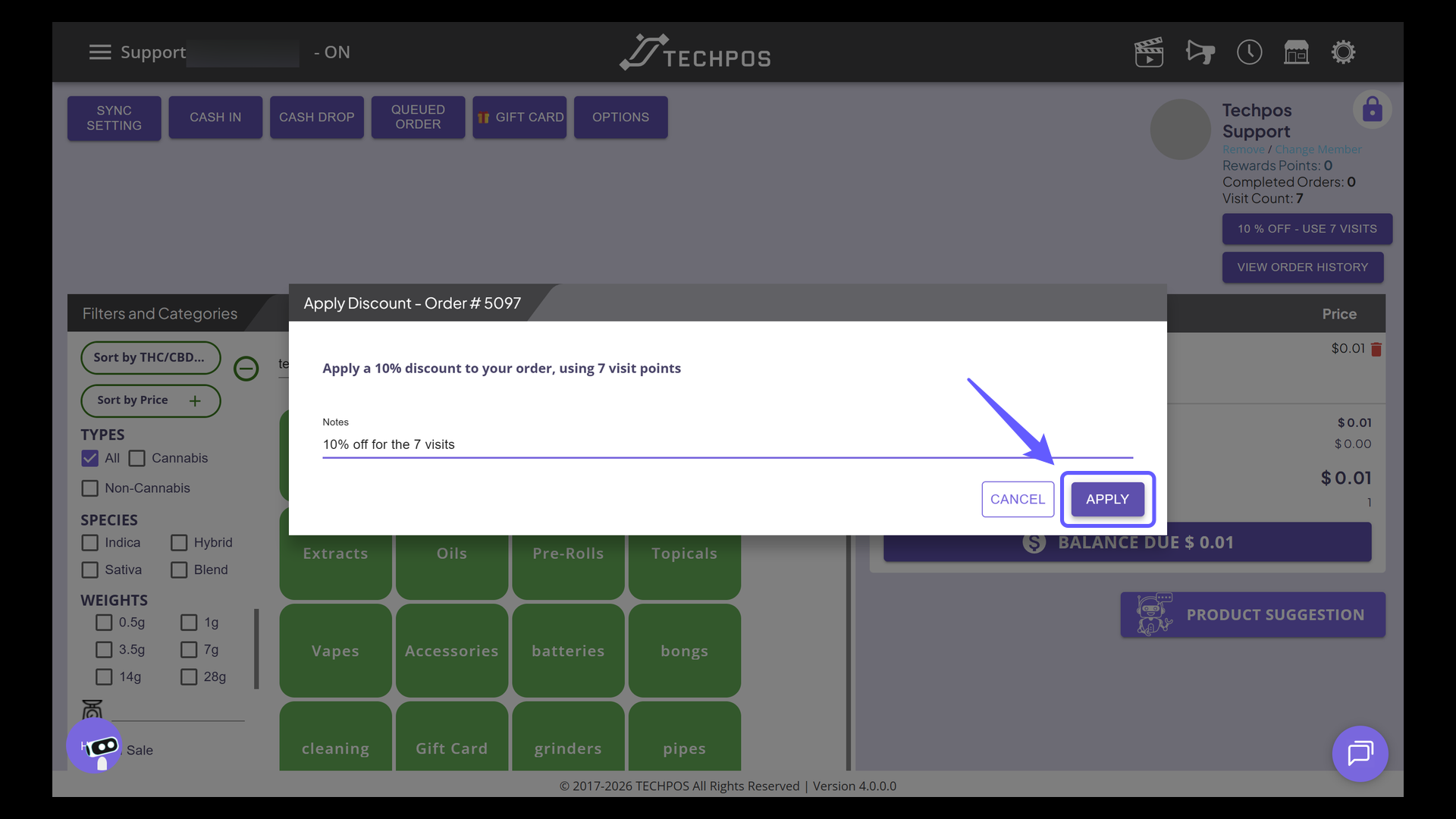
8. Apply Discount to Order
Press the 'Apply' button to confirm the discount on your order.
9. Verify the Discount Applied
Check that the discount is applied to the order. Once successful, an additional line in the cart will show the discount details and the discounted amount.
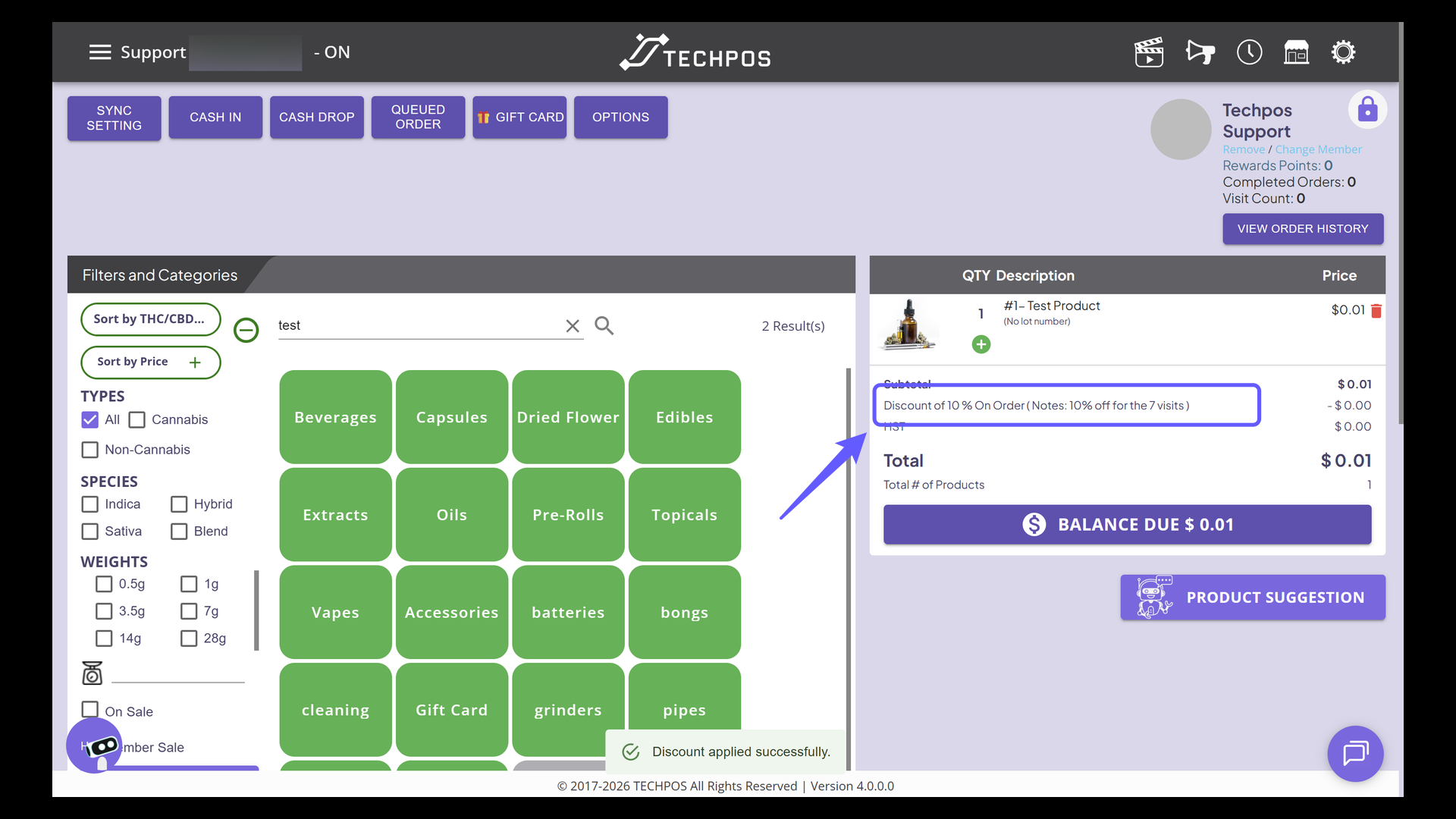
10. User Activity Information
Review the visit count has been deducted after redeeming the visit discount.